
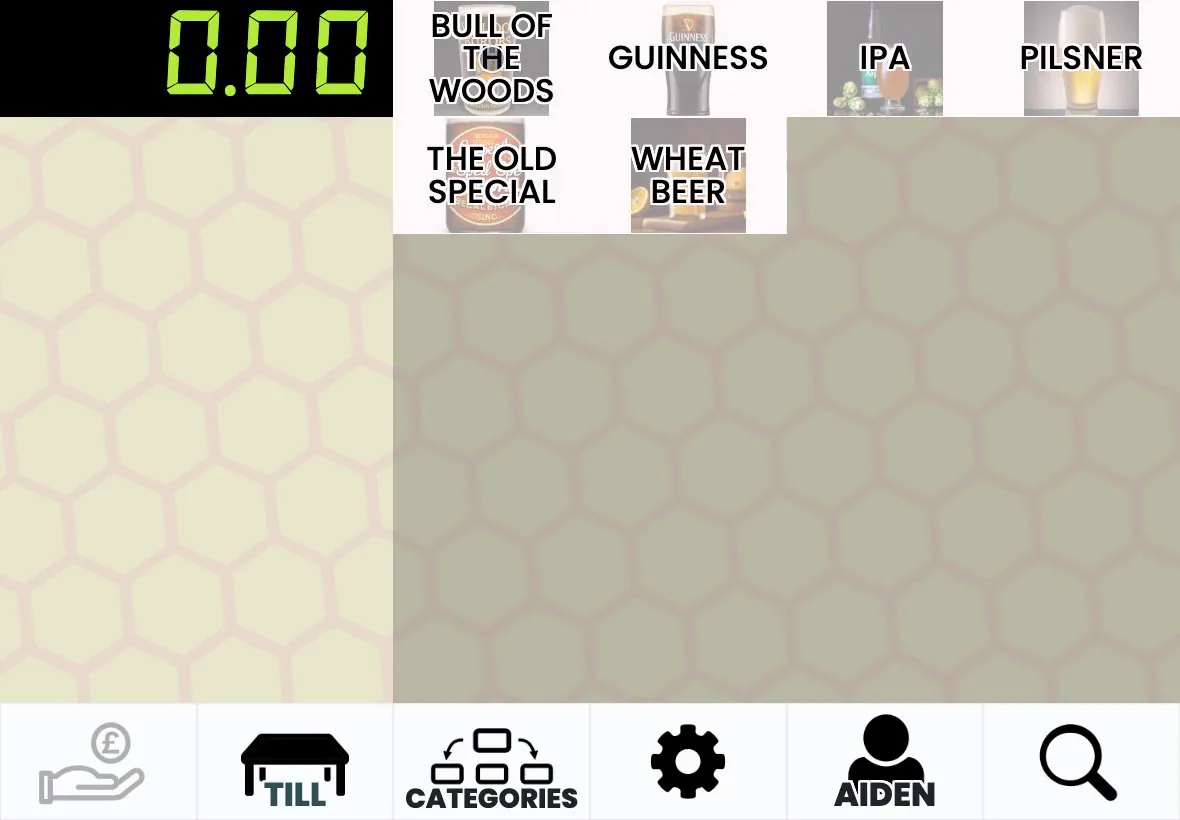
Any tablet, laptop or touchscreen with a browser is a till. Add as many as you need; they stay in sync, and sales keep flowing to the kitchen, the stock figures and the reports.
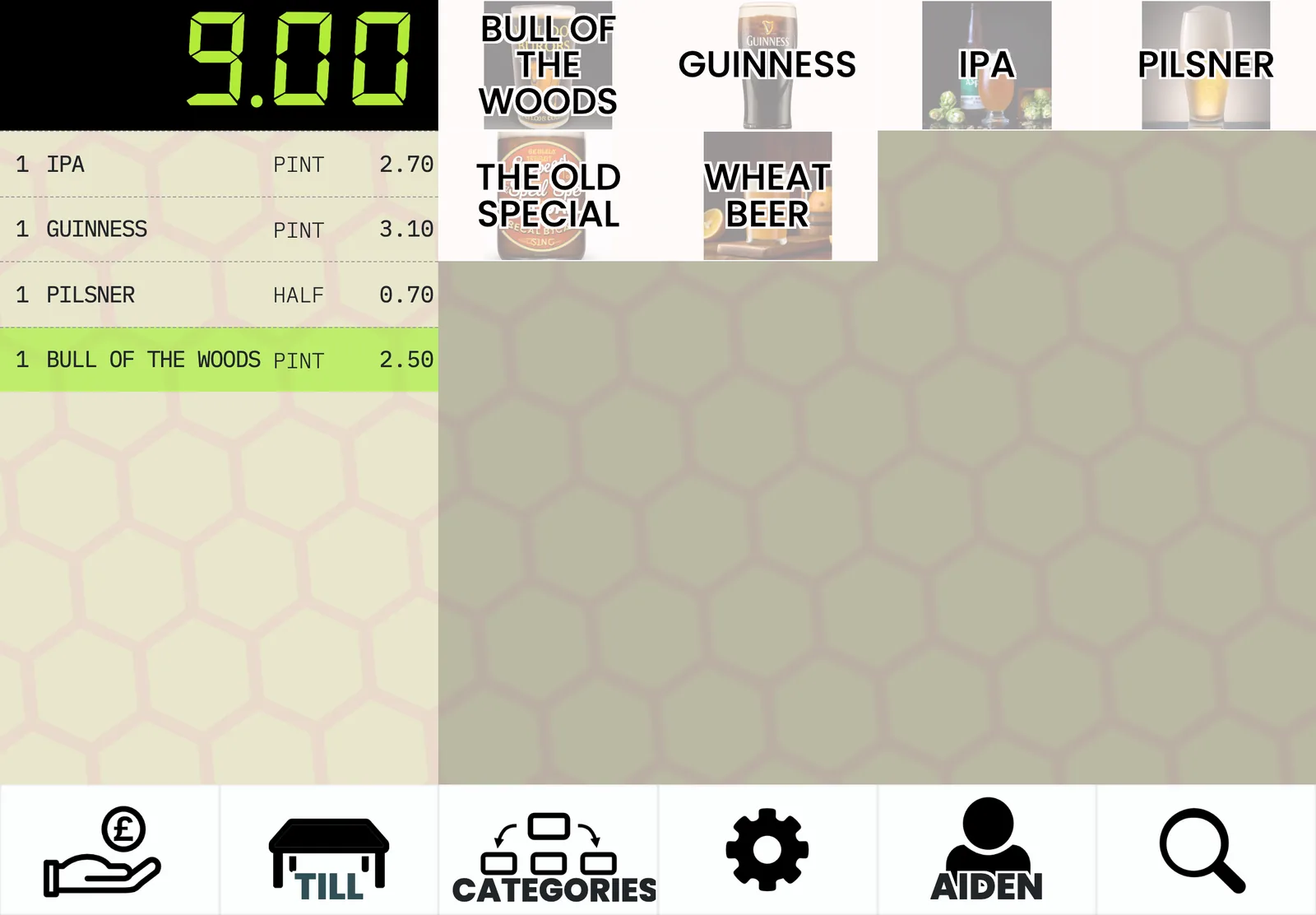
Tables in zones, bills printed before payment, MOVE TABLE when a group shifts, and a history of every line added
Split a sale by item into separate smaller sales, not just by amount
Search the customer by phone, pick delivery or collection and a slot, or mark it ASAP
A full card refund asks for a reason, whether stock goes back, and an approver's PIN
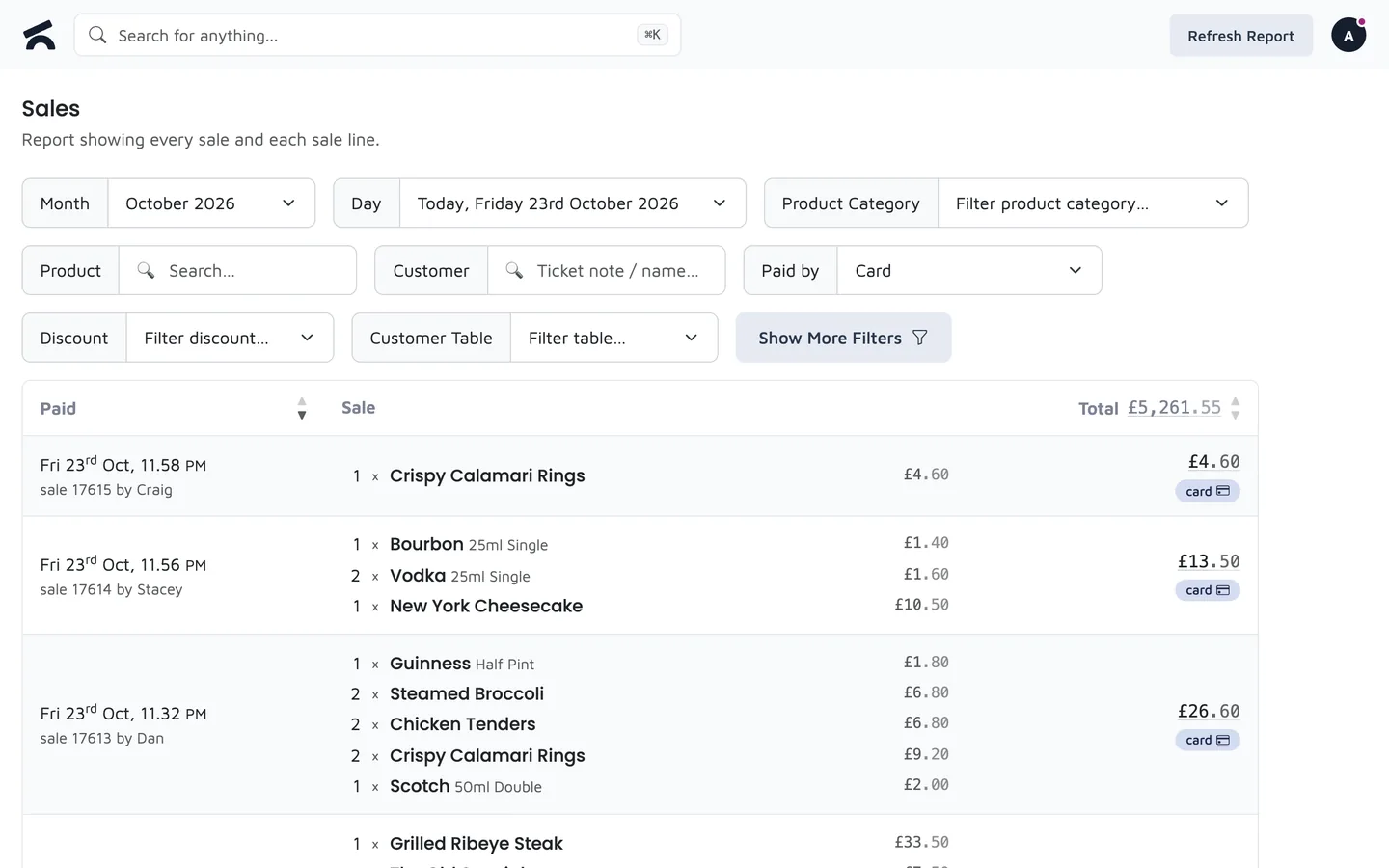
Integrated Stripe readers take the amount from the till and record the result against the sale. If you would rather keep the card machine and rates you already have, record card payments manually and nothing else changes.
The till sends the amount to the reader; a declined card can be retried or paid in cash without starting again
Keep your provider and your rates and record the card payment on the till
Mark an order paid by bank transfer, take cash, or redeem a gift card in full or in part
Reconcile cash and card at close, and see Stripe payouts against your takings
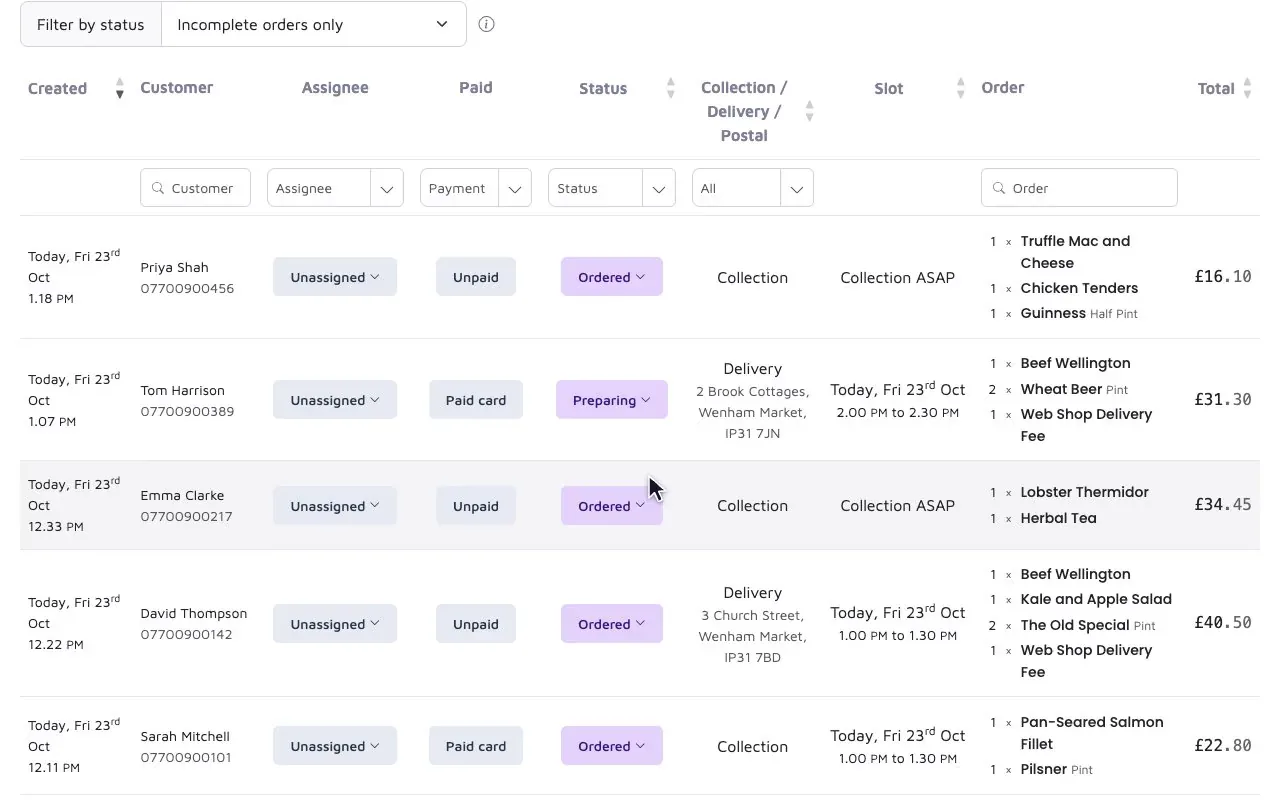
Show your whole catalogue by category or curate a menu. Customers pick a collection or delivery slot, or have it posted. Orders print in the kitchen, land on the order board and come off the same stock as the till.
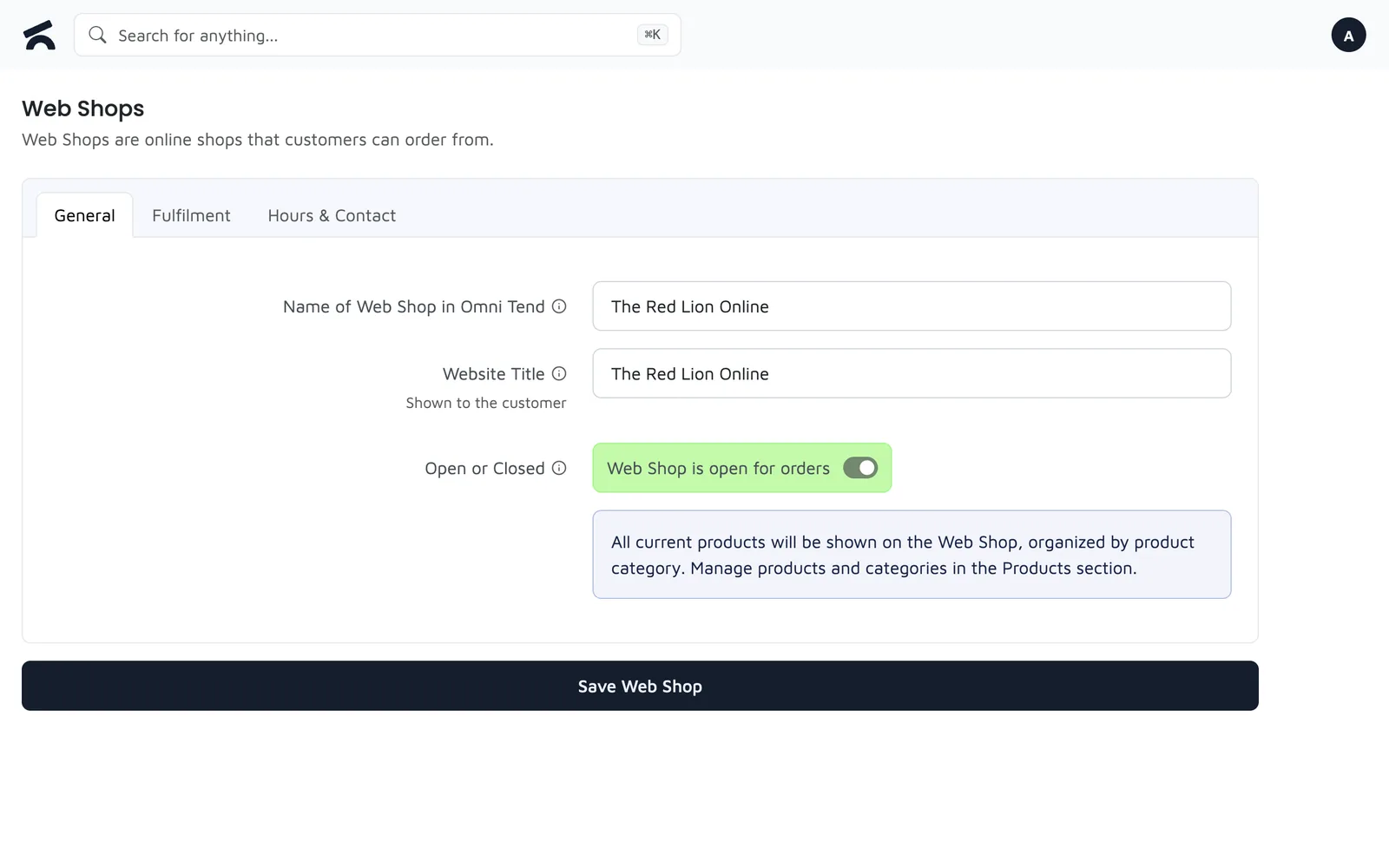
Slots you define, a notice period in minutes or a lead time in days
UK by default; switch on international shipping and tick the countries
Your catalogue by category, or a curated menu, with any product hidden per shop
Stripe at checkout; a deleted order refunds the card from Omni Tend
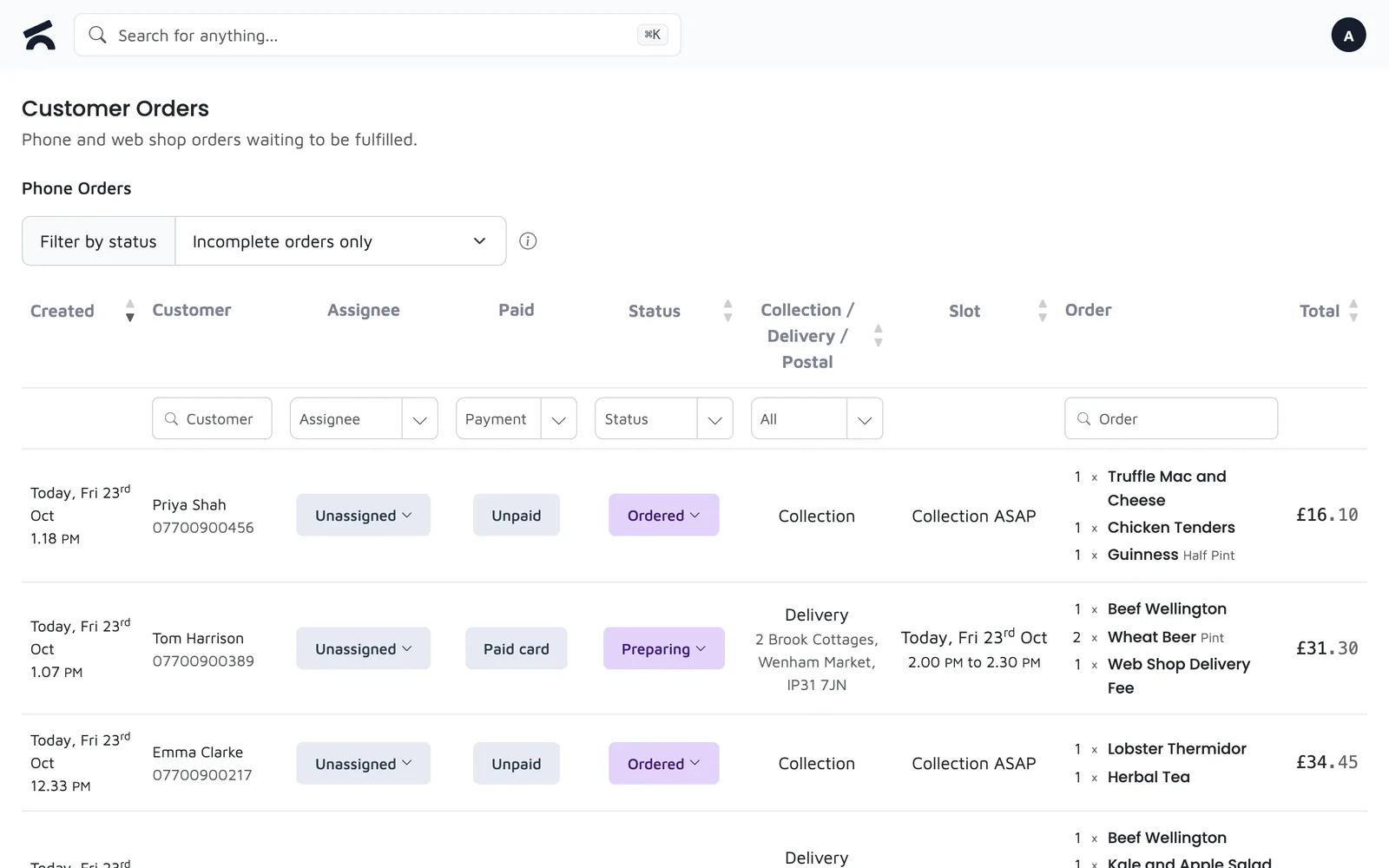
Each product category prints to the printer you choose, so drinks go to the bar and food to the pass. Web and phone orders print the same way as till orders, and the order board shows whether a ticket actually came out.
Set the printer on the category; several printers each print their own categories
Till sales, phone orders and web shop orders print to the same printers
The order board reports what the printer confirmed, not what the button said
A second copy is headed so the kitchen does not cook it twice
A web order gets a confirmation email with the order and the collection or delivery details. Text messages are configured by an admin in Settings, and a message that cannot be sent tells you why.
Order details and collection instructions, with your business name in the subject
Set up SMS once in Settings; staff never see the credentials
An invalid phone number gives a plain error, not a server error
A customer gets one, not three
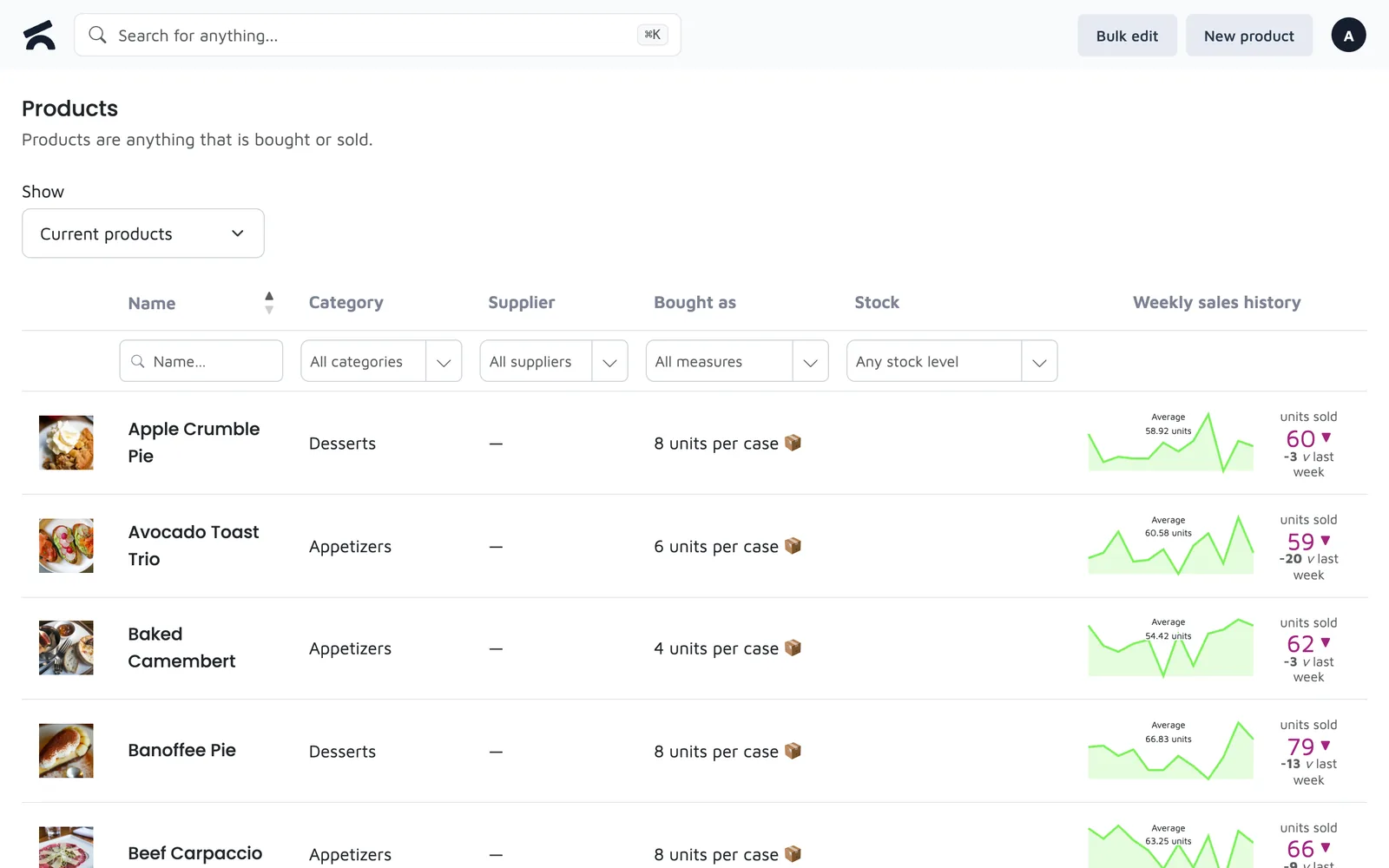
Every sale, delivery and stock check moves the figure. Products carry their own measures, so fabric sells by the metre, cheese by the kilo and beer by the keg, and the same product can live in more than one stock room.
One product, several lines: sizes, lengths, weights, each with its own price and stock
Cellar, shop floor and store room counted separately
Count on a phone; the check records the difference and why
Product history shows who changed what and when, old value beside new
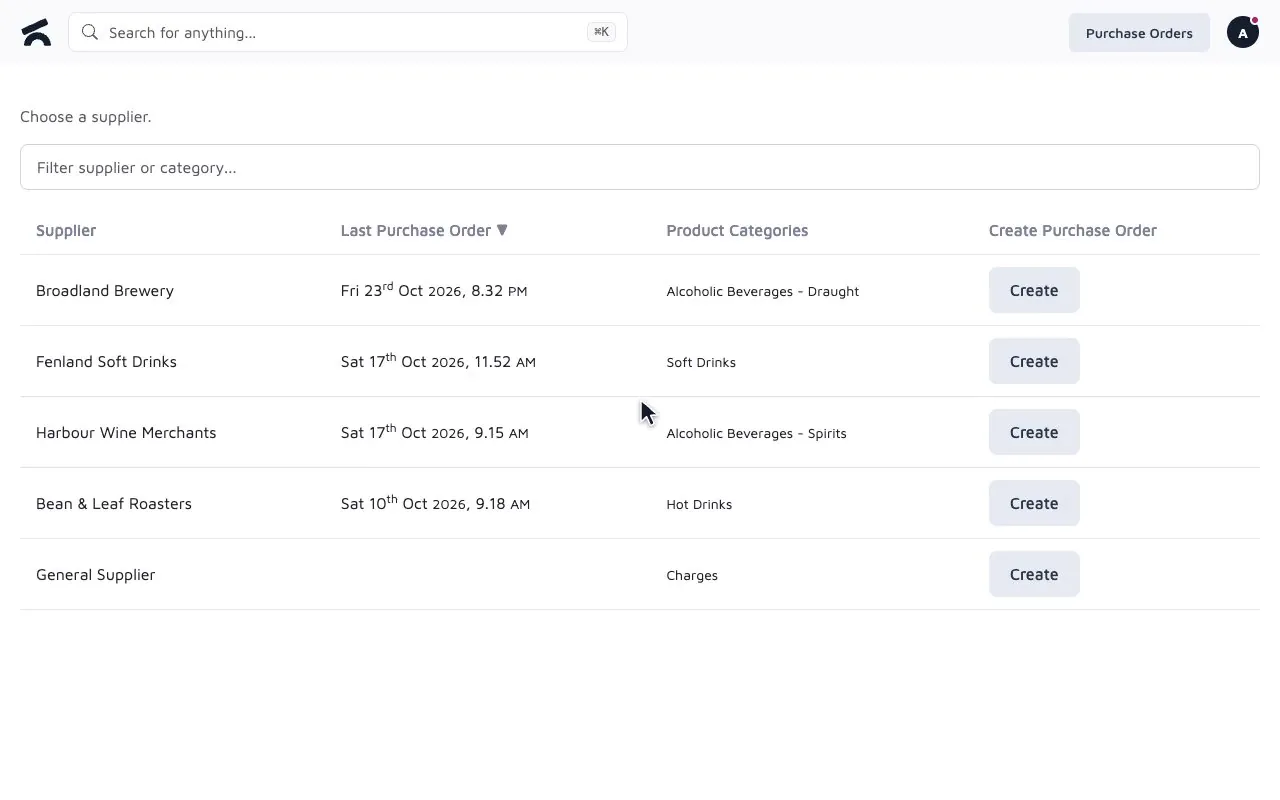
A purchase order starts from a supplier. Filter their products down to what needs reordering, type the quantities and the running total shows the cost and what is already on order. When the delivery arrives, receive it line by line.
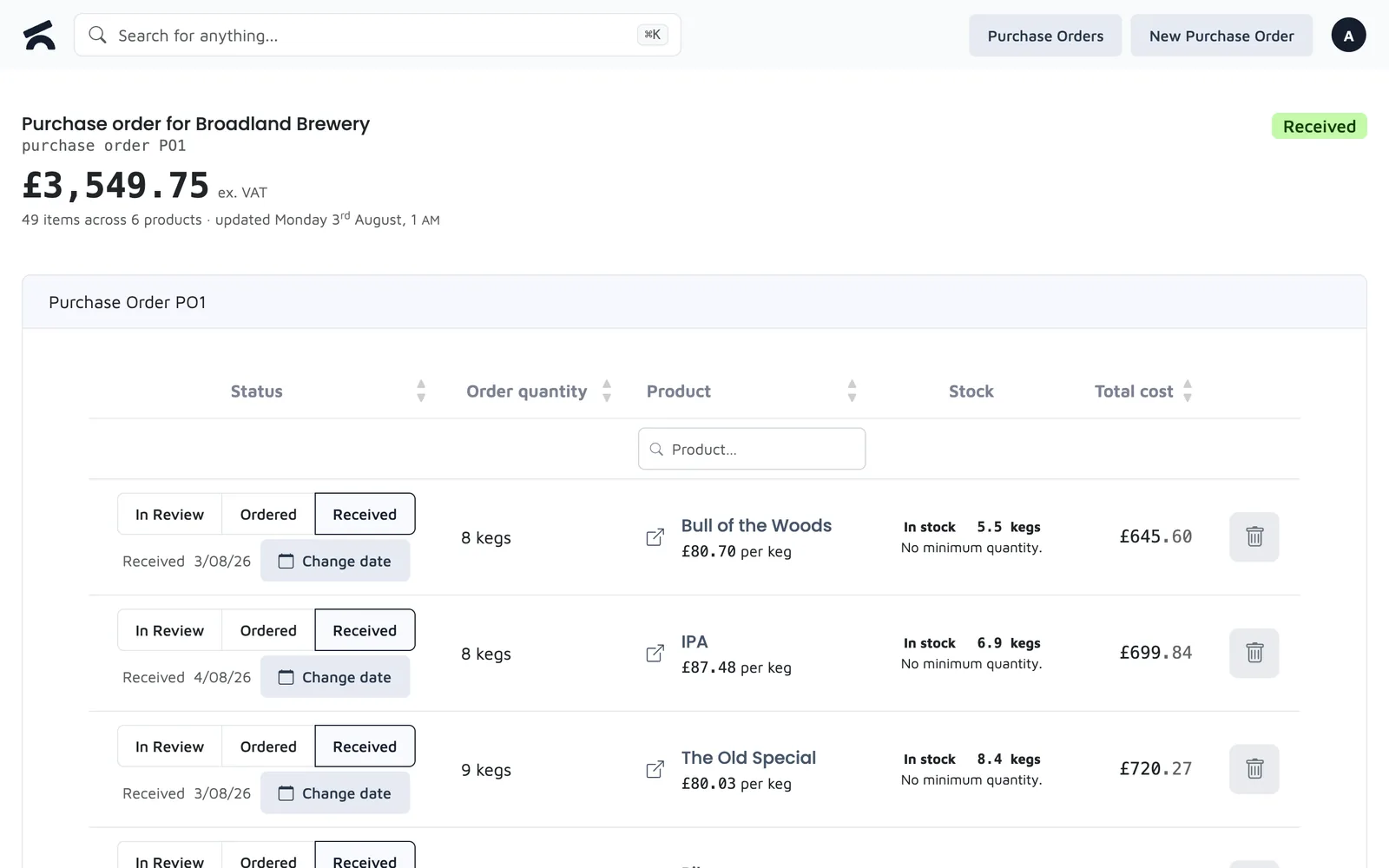
Each product knows its supplier; a new order lists only that supplier's products
Filter the list to products below where they should be
Two people can work on the same order without overwriting each other
Mark lines received, flag short deliveries, keep the history
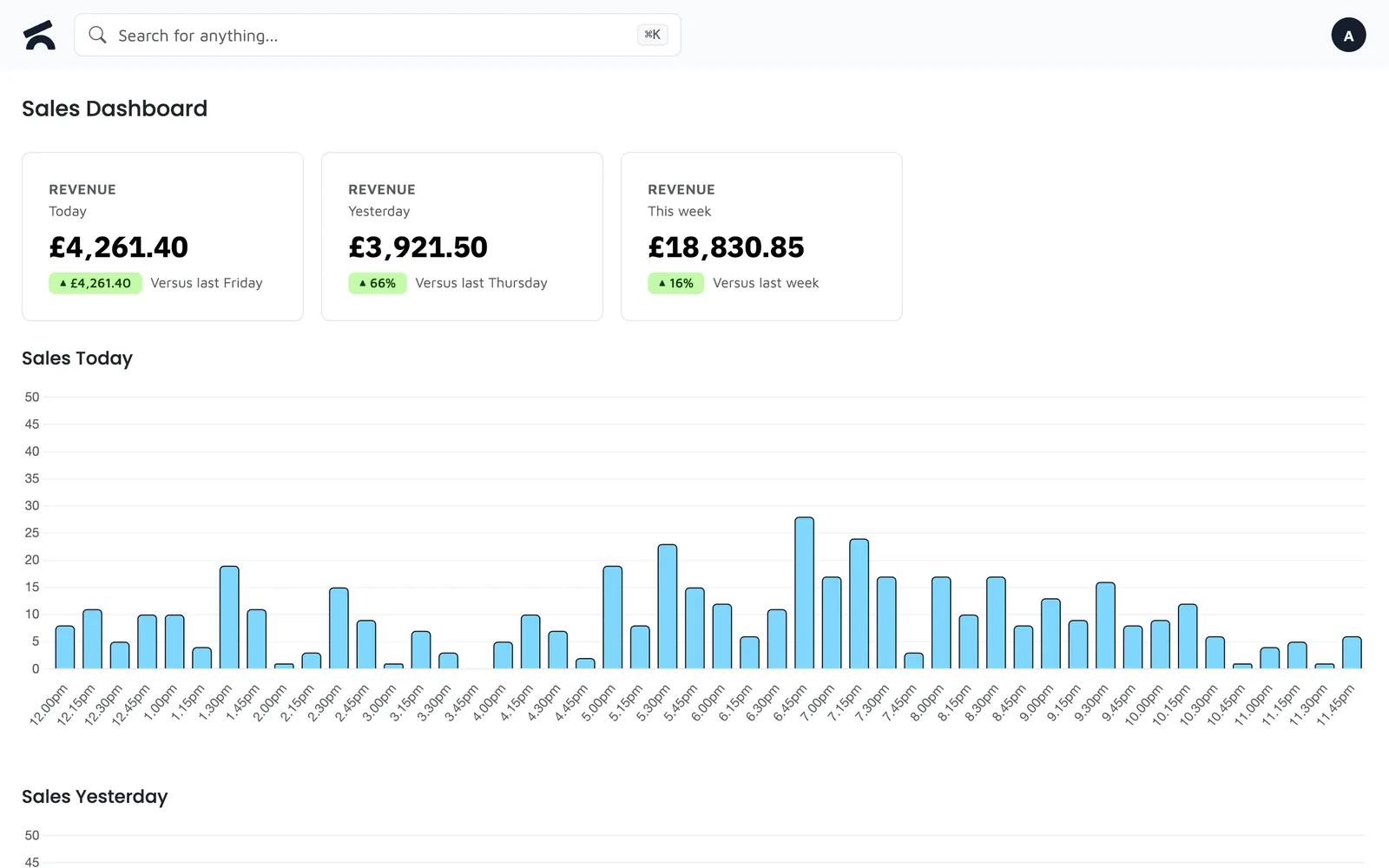
The dashboard shows today against yesterday and this week against last. The Sell Through report opens on the products that need attention, most urgent first, each with a plain reason and the cash at stake.
Revenue, transactions and top products, live, on your phone
Units sold, weeks of cover, capital tied up, dead stock and delist candidates
By day, week, month or year, filtered to a category such as Food
Employee sales, sales volumes in litres and kilos, Z-reports, allergen report
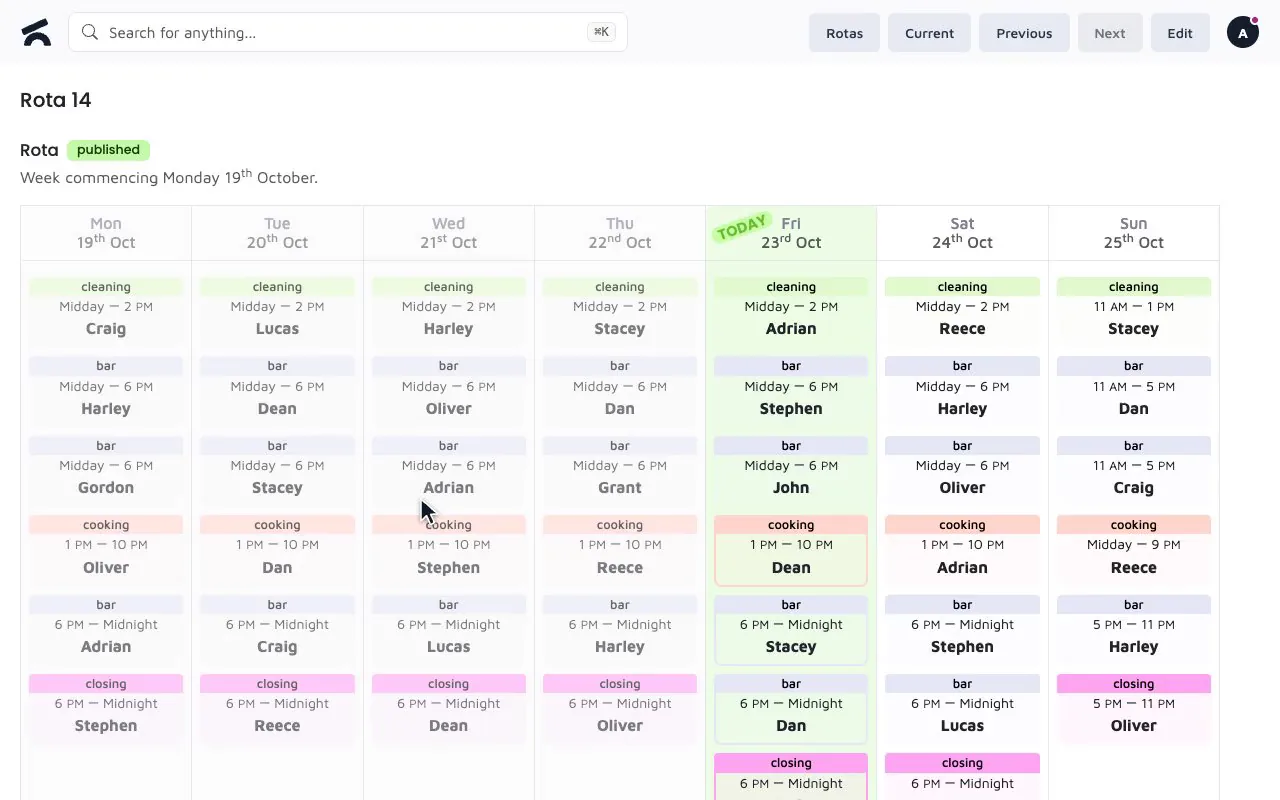
Build the week from a template and your own shift types. Staff request holiday from their phone and see the reason if a period is blocked. Training is recorded by the employee and signed off by a manager entering their PIN on the same screen.
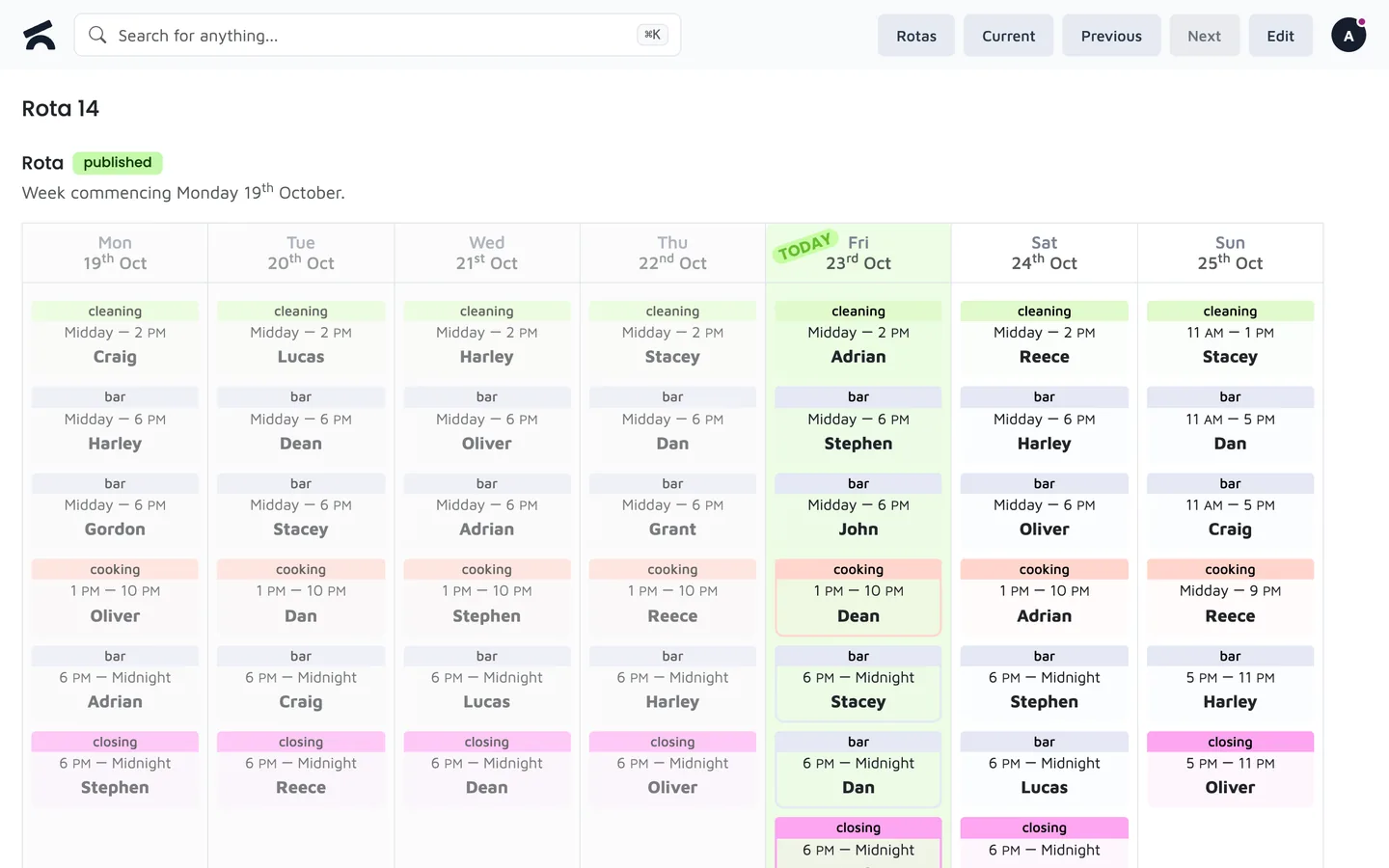
Save the usual week and reuse it; shift types are yours to define
Requests and approvals on a phone, with blocked periods for peak dates
Signed off only by a manager who was there, with their PIN
Someone who comes back gets their login and history back
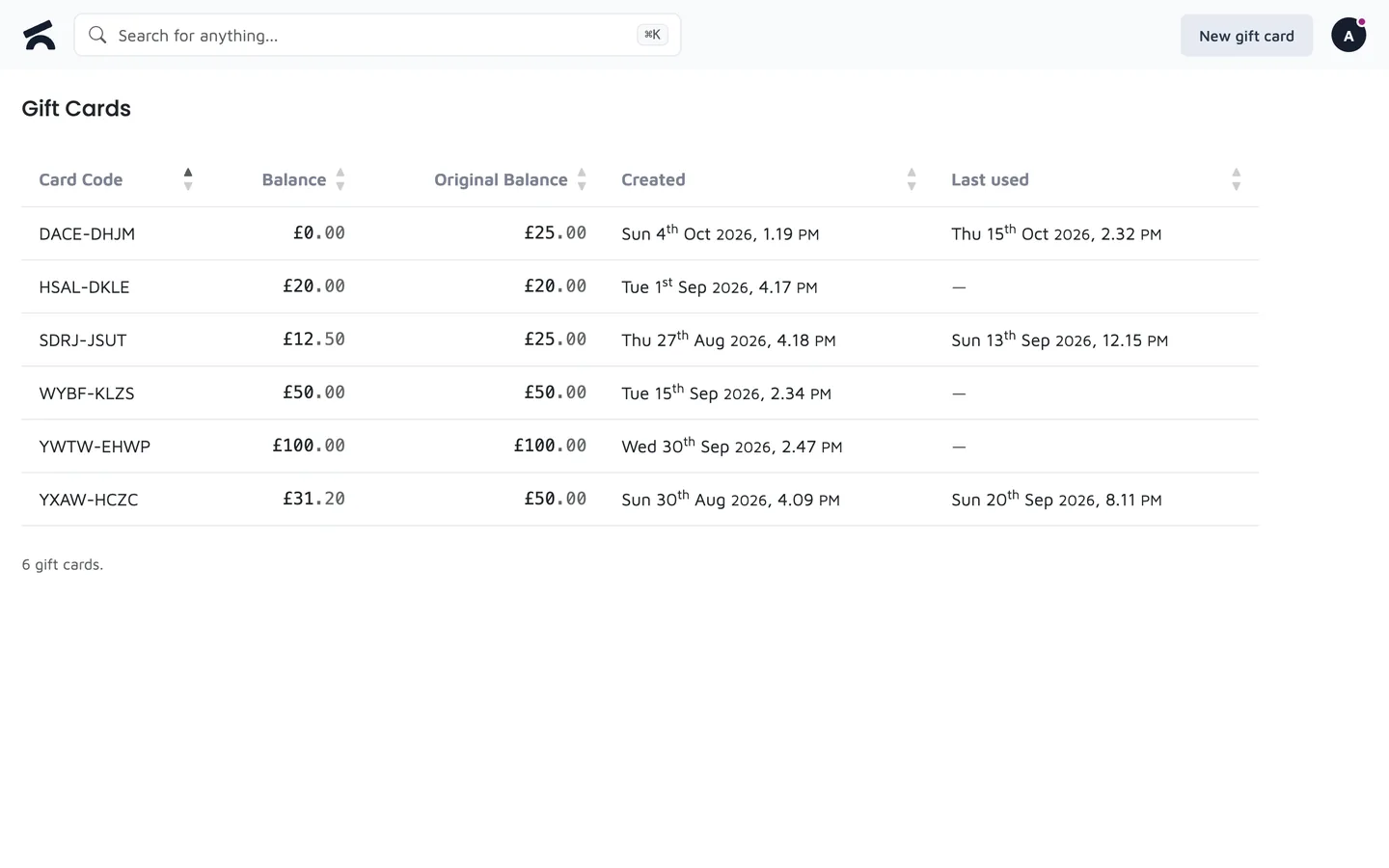
Sell a gift card for any amount and take payment with one at the till, in full or in part. The balance is tracked for you.
Sell a card for the value the customer wants
Use some of the balance and keep the rest
See what is left on any card
Gift card payments show in your sales and reports
A phone order, a web shop order and a sale at the till all land on the same customer. Records are matched by phone number, so a returning customer on guest checkout is recognised and a delivery updates their address.
Duplicates are caught when a record is created and when a guest orders again
Every order the customer has placed, whichever way it came in
A delivery order updates the address on file
A guest can turn their order into an account that claims it
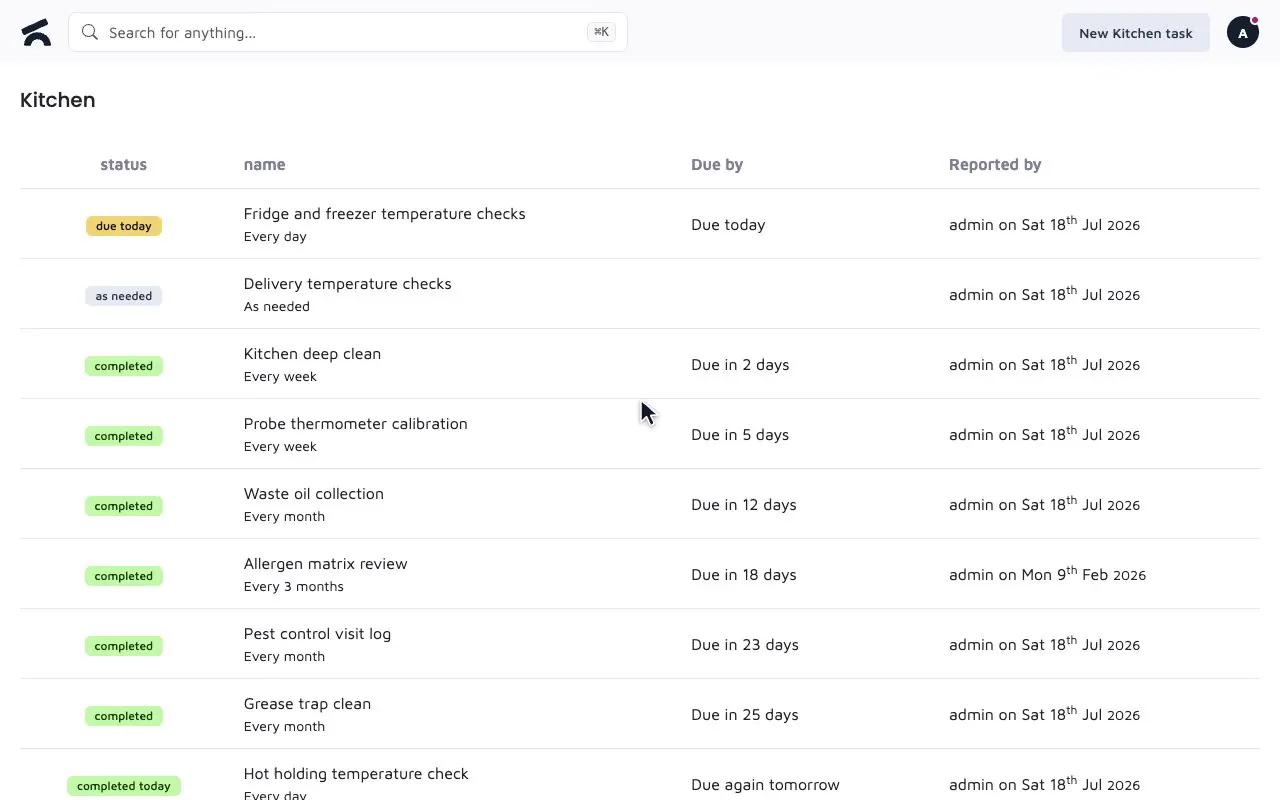
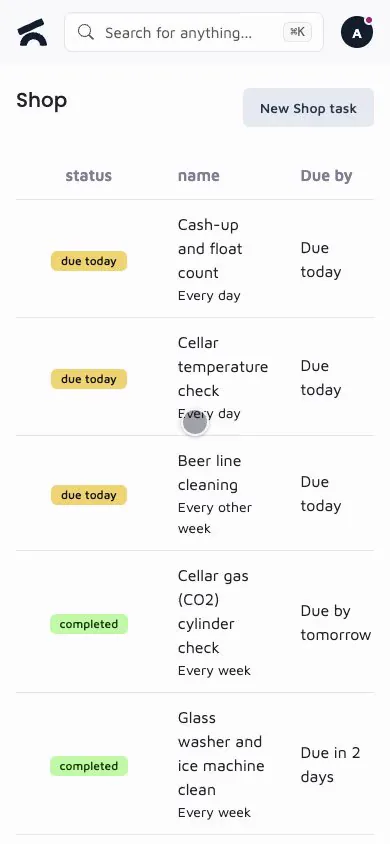
Set up tasks per business unit, daily or on certain days of the week. Staff complete them with up to five photos. An admin can sign off a task on the day it was actually done, and the log records that it was backdated.
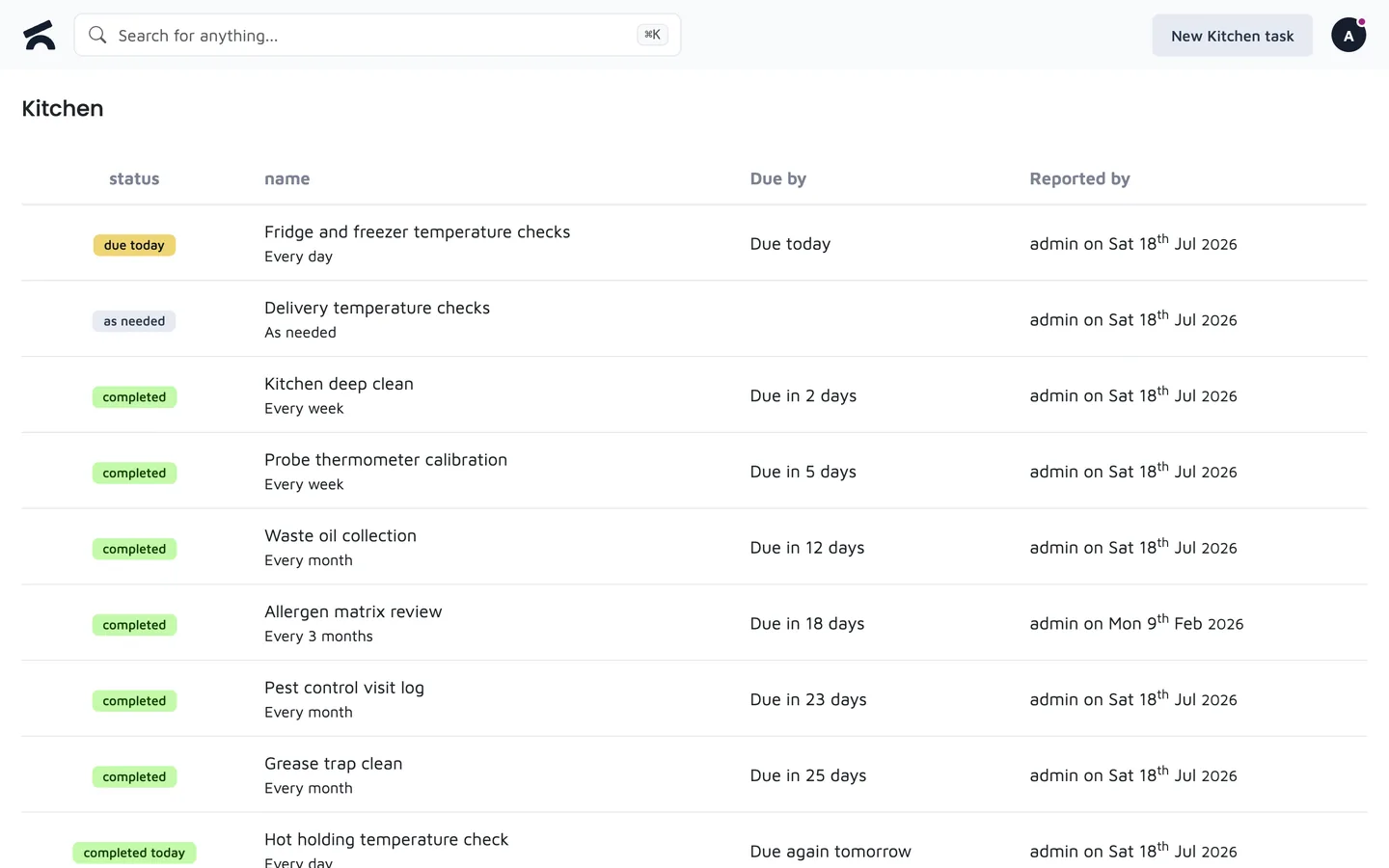
Kitchen, bar, cellar and shop floor each have their own list
A task that is only due on Mondays and Fridays
Up to five photos on a completion
Backdated completions are marked as such, with who entered them